 Japanese
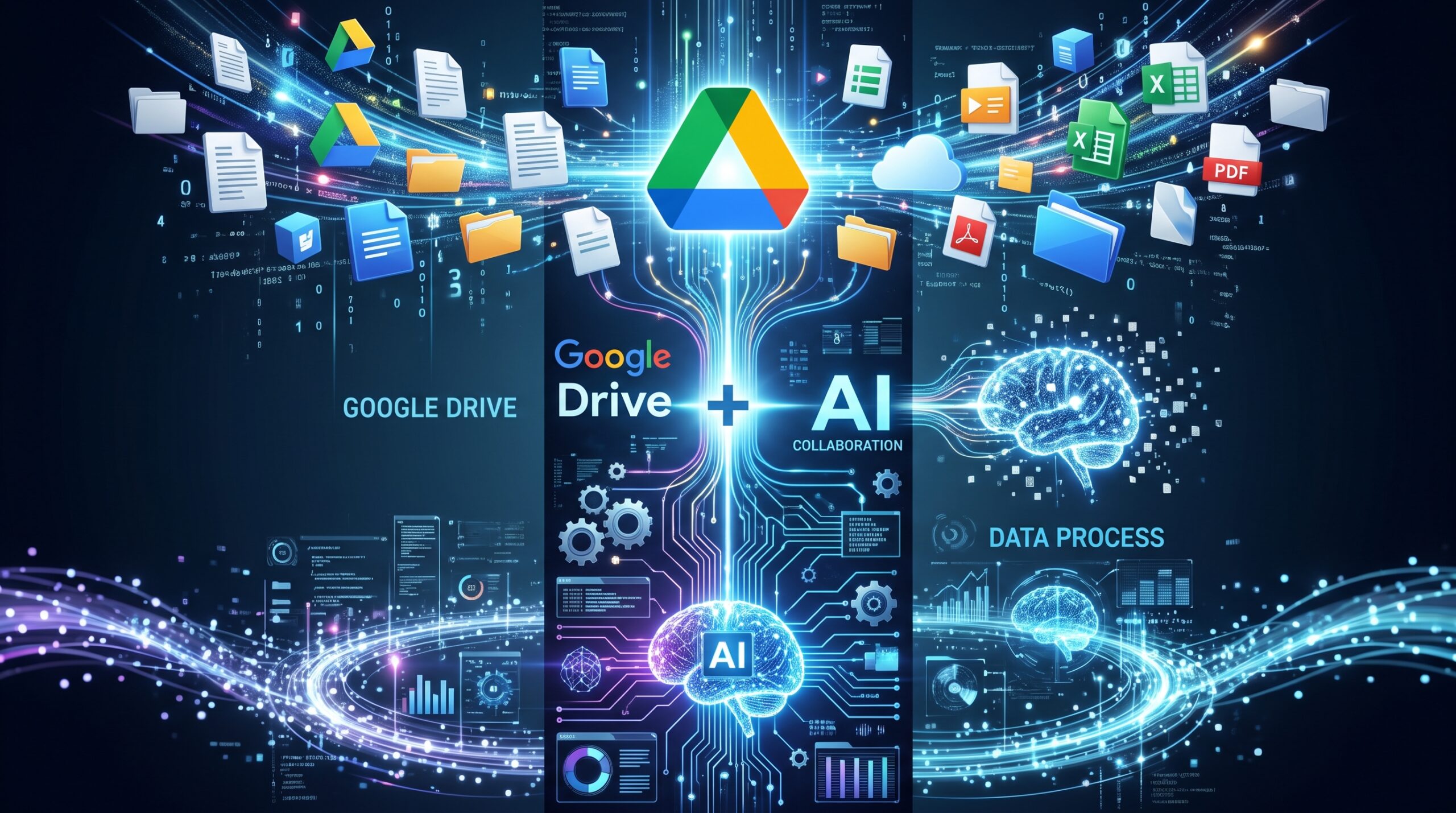
Until now, Google Drive has primarily functioned as a digital warehouse or passive archive for storing documents and files.
However, by integrating it with Gemini (and Notebook), Drive evolves into a knowledge-driven creative lab where AI directly reads, organizes, and instantly synthesizes your stored information into fresh deliverables.
Below are three concrete mechanisms and workflows that transform Google Drive into a true “output generation engine.”
13-1: Why Google Drive Becomes an “Output Generation Engine”
- Zero Manual Typing or Copy-Pasting:
You can directly ingest Google Docs, Google Sheets, Google Slides, PDFs, and audio recordings stored in Google Drive as reference sources for the AI. - Automatic Synchronization:
When you update a file in Google Drive, the linked notebook updates automatically, ensuring you always work with the latest data. - Suppression of Hallucinations:
By strictly grounding the AI’s responses exclusively in the files stored within your Google Drive, you ensure highly accurate research and documentation without fabricated claims.
13-2: The 3-Step Process for Transforming Inputs into Outputs
STEP 1: Turn Google Drive into a Staging Ground for Raw Assets
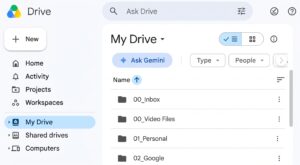
First, organize past materials and notes into dedicated Drive folders by project or theme:
- Past articles, research papers, proposals, AI-generated research, and reference files (Google Docs / PDFs)
- Meeting minutes and rough ideation notes (Text files)
- Survey findings, statistical surveys, and dataset tables (Google Sheets)
STEP 2: Ingest the Files into Gemini Notebook
Open a notebook via the Gemini side panel or Gemini Notebook, and link the files or folders from Google Drive as sources. At this point, the AI functions as a dedicated assistant that has thoroughly read and retained all your reference materials.
STEP 3: Convert Assets into Deliverables via Prompts
Once your materials are gathered, simply prompt Gemini or Gemini Notebook to turn the raw data into polished output in one seamless step.
13-3: Practical Output Transformation Recipes You Can Use Today
1. Past Reference Materials $\rightarrow$ New Proposals or Articles
- Drive Assets: Past proposals from similar projects, client meeting minutes.
- Prompt for Gemini: “Analyze and summarize the materials in Drive to produce a first draft for the article currently in progress.”
2. Raw Datasets & Reports $\rightarrow$ Slide Deck Outlines
- Drive Assets: Survey results (CSV), political party polling spreadsheets.
- Prompt for Gemini: “Extract three key trends from the two specified datasets. Then, organize them into a 10-slide Google Slides outline, including slide titles and bulleted speaking notes for each slide.”
3. Unstructured Notes & Audio Transcripts $\rightarrow$ Articles, Newsletters, or FAQs
- Drive Assets: Interview transcripts and raw voice recordings.
- Prompt for Gemini: “Summarize the core takeaways from this interview transcript and draft a 2,000-character web article for customers using an approachable, friendly tone.”
13-4: Advanced Features to Further Boost Output Productivity
- Creating Audio and Video Overviews:
Based on the uploaded sources (PDFs, Docs), the platform can generate podcast-style audio discussions or video summaries featuring two AI hosts who break down the material conversationally. This is ideal for catching up during your commute or sharing quick briefings with your team (detailed in Chapter 14). - One-Click Export to Google Docs & Slides:
Any deliverables (text, outlines) generated during your Gemini conversations can be exported directly into Google Drive as new Google Docs or Slides with a single click using the export buttons below the chat window.
Summary
By moving away from drafting everything from scratch and adopting a workflow where you “store raw ingredients in Google Drive, then use Gemini (Notebook) to transform them into final output on demand,” you can multiply the speed of your writing, research, and content creation several times over.








Comments